
Browser extension
Your vault where you work.
Autofill logins and capture new credentials in Chrome and Firefox with a device-bound unlock. Secrets stay on the broker — nothing sensitive is stored in the extension.
the problem
A vault you have to leave your browser to use is a vault you stop using. But most extensions cache secrets locally, turning the browser into the soft underbelly.
What it does
- Match and autofill
- The extension recognises the site you're on and fills the right login, with per-domain rules so it fills only where it should.
- Capture on submit
- New logins are offered for capture as you create them, so the vault stays current without a separate save step.
- Device-bound unlock
- Unlock with a biometric/passkey bound to the device, so a stolen token alone doesn't open your vault.
- Built-in authenticator
- Store TOTP seeds and read codes right in the popup — your second factor lives with the login it protects.
vaultterm.io/extension
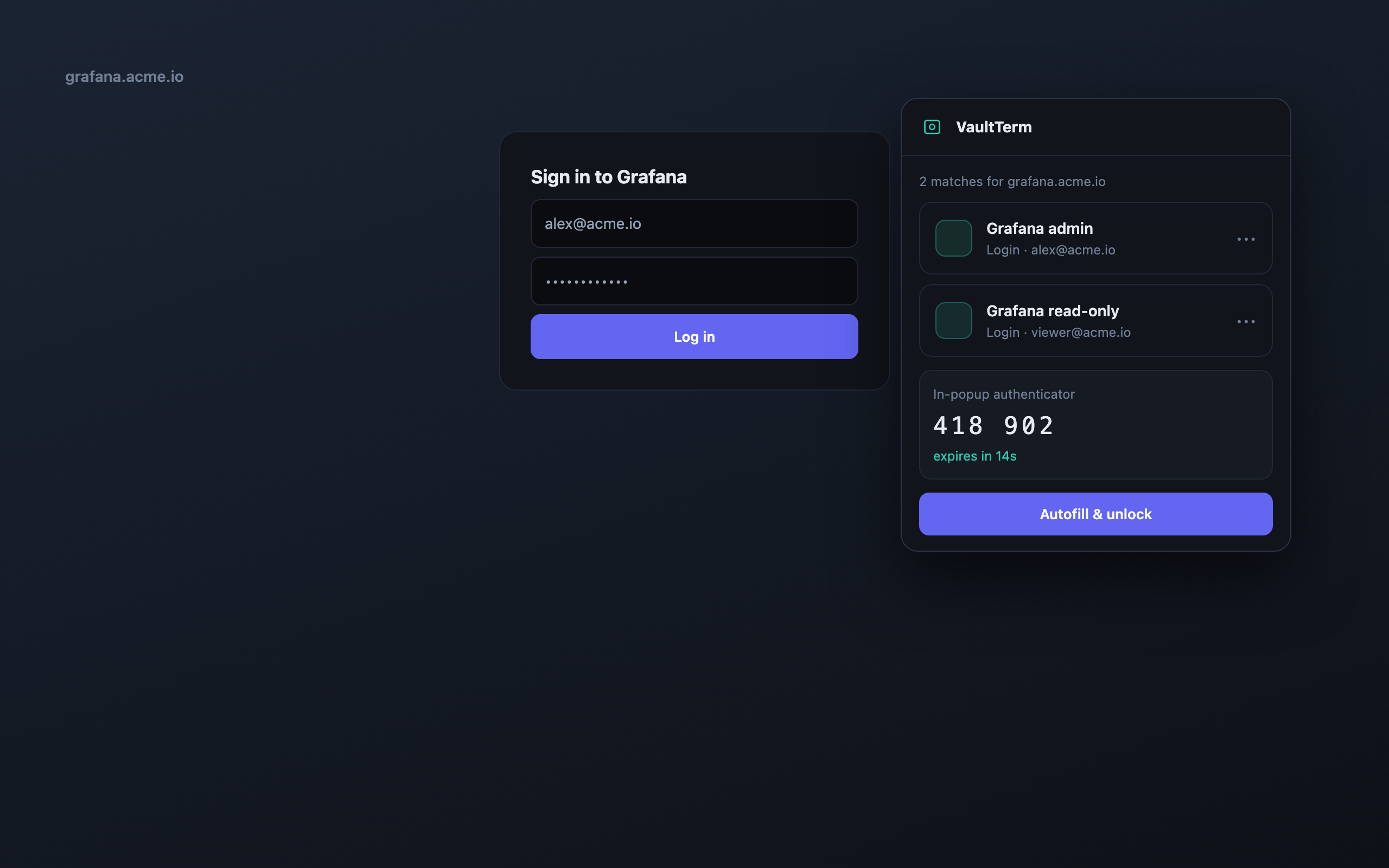
- On-site match detection and autofill
- Capture new logins on submit
- Device-bound biometric unlock
- In-popup TOTP authenticator
how we back it up
No hand-waving on security
Nothing sensitive is stored in the extension — secrets stay on the broker and are fetched per use.
Unlock is device-bound via WebAuthn/passkeys.
Ships for Chrome, Edge and Firefox.
faq --list
Browser extension — questions
Does the extension store my passwords locally?
No. The extension talks to the broker and holds nothing sensitive at rest — that's the point of a device-bound unlock rather than a local cache.
Which browsers are supported?
Chrome and Edge (Chromium) and Firefox. The same vault and rules apply across them.
Can it handle my 2FA codes too?
Yes, there's a built-in TOTP authenticator, so your one-time codes sit alongside the login they belong to.