
Share access without losing control.
Shared team vaults with role-based access and just-in-time elevation. Onboard and offboard people in one place, and keep an attributable record of who had access to what, when.
the problem
Sharing access by forwarding credentials means offboarding is a manual hunt, and nobody can answer "who could touch production last quarter?" with confidence.
What it does
- Shared vaults with roles
- Organise secrets into team vaults with role-based permissions, so people get exactly the access their job needs.
- Requests and approvals
- Just-in-time elevation moves through a request and approval you grant in a click — every grant has a reason and an owner.
- Multiplayer presence
- See who else is in a vault, with presence indicators and session locks so two people don't clobber each other's edits.
- One-place offboarding
- Remove someone once and their access is gone everywhere — no orphaned credentials to chase.
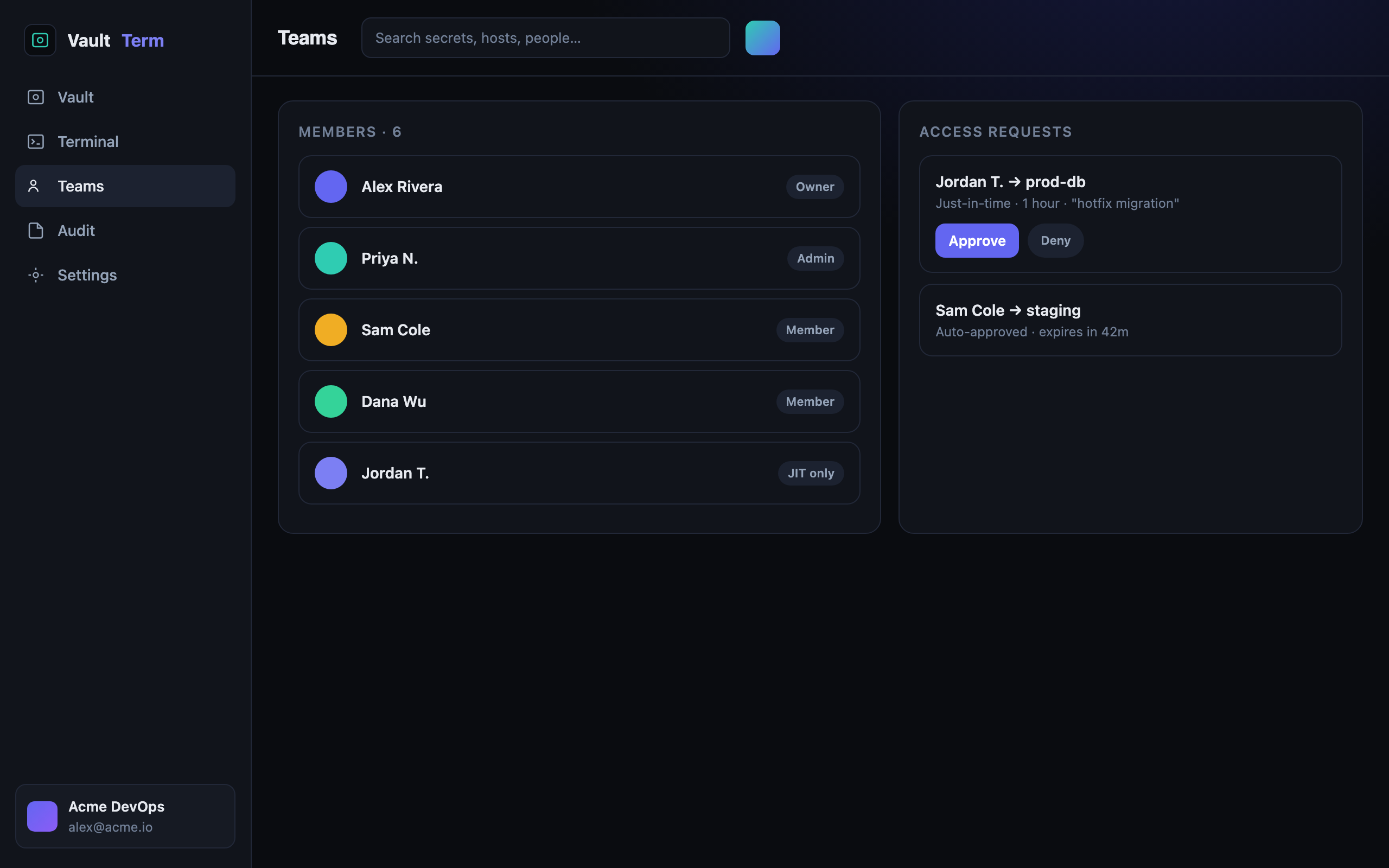
- Shared vaults with roles and permissions
- Just-in-time access requests and approvals
- Multiplayer presence and session locks
- Instant offboarding
how we back it up
No hand-waving on security
faq --list
Teams & JIT access — questions
How does offboarding work?
Remove the person from the organisation and their access to shared vaults and brokered connections is revoked at once — there are no copies of credentials sitting on their device to clean up.
Can I limit who sees which secrets?
Yes. Secrets live in team vaults with role-based permissions, and sensitive access can require a just-in-time request with approval.
Can two people work in the same vault safely?
Yes — presence indicators show who else is active, and session locks prevent conflicting edits.