
Every session brokered and audited.
Connect to any host through an audited access broker. Access is injected just-in-time, decrypted in memory for the authorized session only, and written to a complete audit trail.
the problem
Private keys scattered across laptops are impossible to rotate, attribute or revoke. When someone leaves — or a laptop is lost — you're guessing at blast radius.
What it does
- Brokered connections
- Sessions run through the broker rather than from standing keys on a device. Credentials are injected just-in-time and torn down when the session ends.
- Just-in-time elevation
- Request elevated access for a window that expires on its own — no permanent grants accumulating in the dark.
- SFTP and SSH anywhere
- Open a terminal or transfer files from the browser or the desktop app, against the same brokered connections.
- Session recording
- Optionally record sessions on sensitive systems for compliance, tied to the same audit trail as everything else.
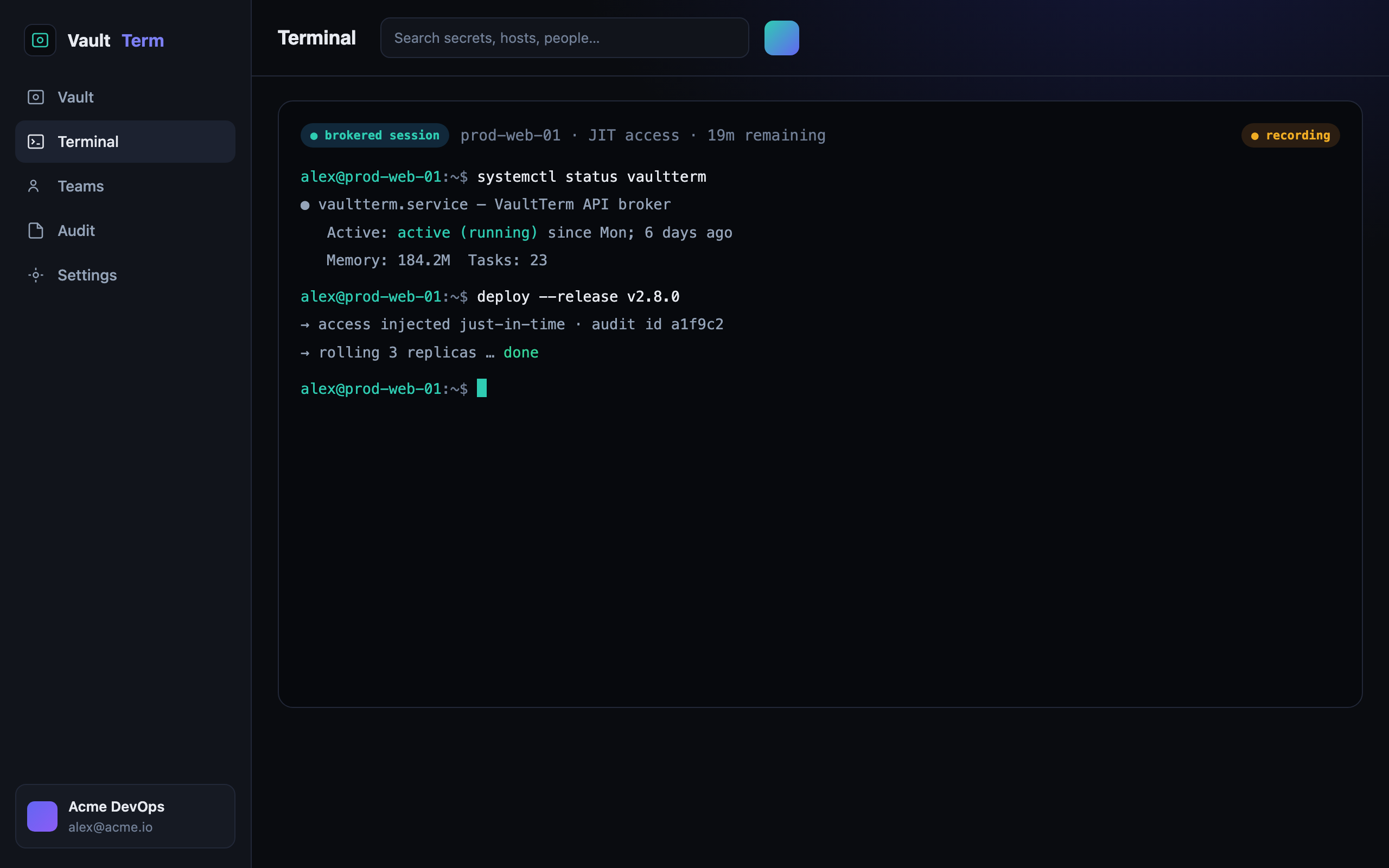
- No standing keys on laptops
- Just-in-time elevation that expires automatically
- SFTP and SSH from the browser or desktop
- Optional session recording for compliance
how we back it up
No hand-waving on security
faq --list
Terminal & SSH broker — questions
Where do the SSH keys live?
In the vault, under envelope encryption — not on the connecting device. The broker injects access for the session and removes it afterwards, so there are no standing keys to lose or rotate by hand.
Can I still use it from a normal terminal?
Yes. You get SSH and SFTP from the browser and the desktop app, all against the same brokered connections so the audit trail is consistent.
What does just-in-time access mean here?
Instead of permanent access, you request a time-boxed grant. It expires automatically, so access doesn't quietly pile up over months.